
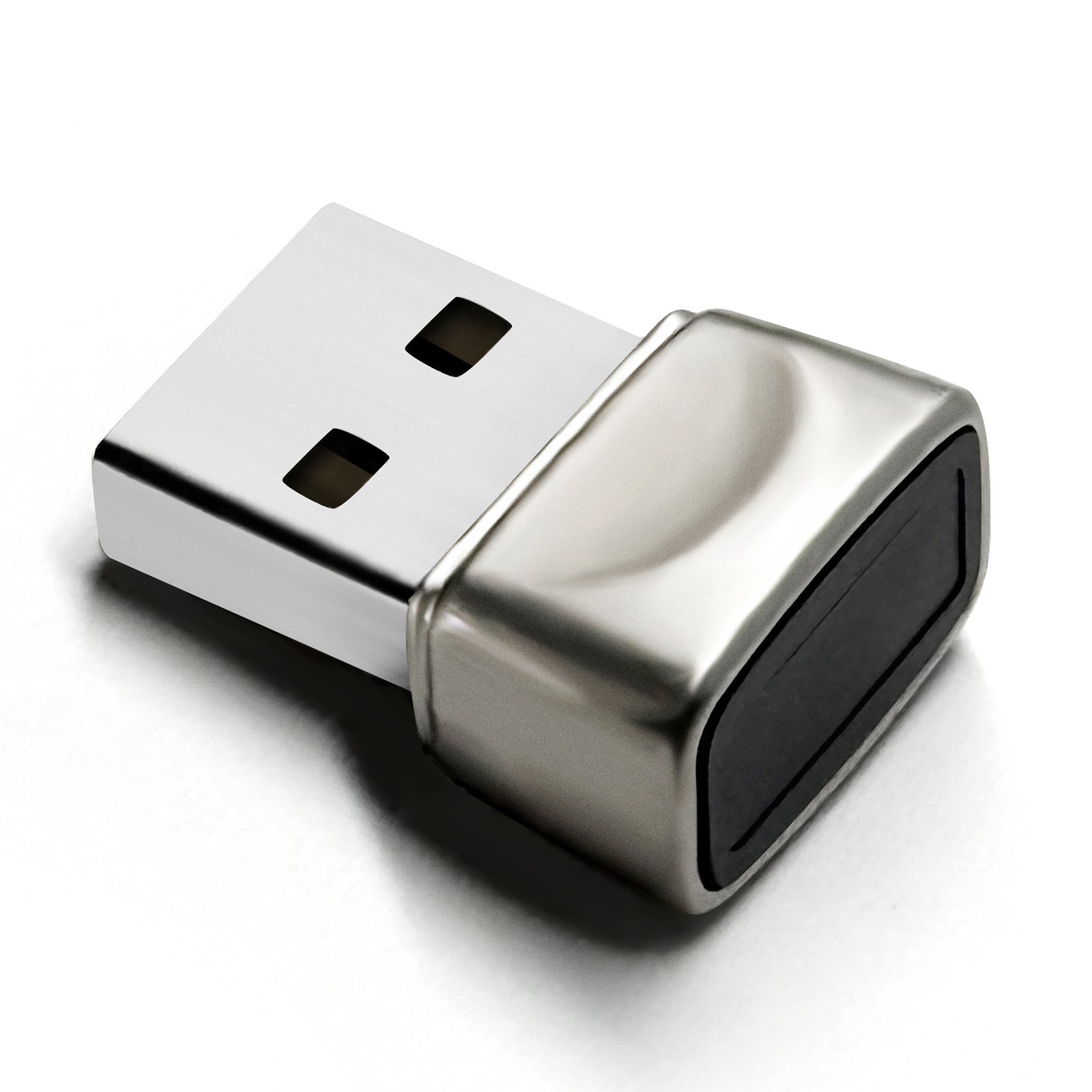
DP-200Compact plug-in reader
View DP-200
Tested lead model; silver finish, 5.3 g product weight.
Compatibility checker
Select your model, Windows version, USB port and intended sign-in use.
System support
Designed for compatible Windows 10 and Windows 11 computers with a native USB-A port and Windows Hello available.
DP-100, DP-100LK and DP-200 use a USB-A connection.
Do not purchase these models for macOS or Linux computers.
These legacy Windows versions are outside the confirmed range.
The launch models are not biometric security keys.
The site does not claim Microsoft certification or official approval.
Choose the physical format
Tested lead model; silver finish, 5.3 g product weight.
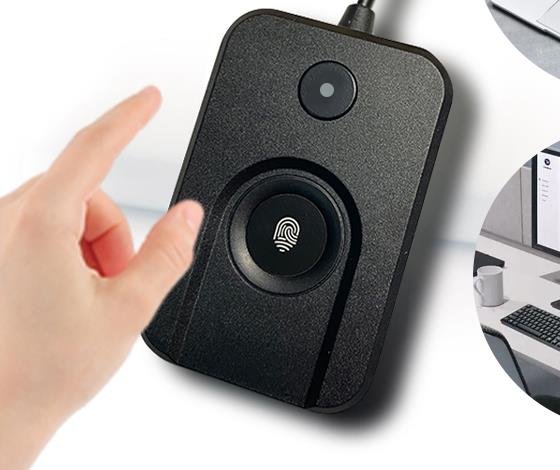
Current Windows 10 sample completed enrollment, sign-in and recovery checks.
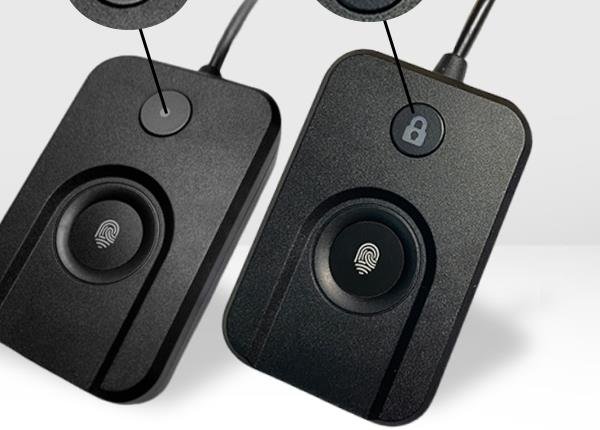
Current Windows 10 sample completed sign-in checks; one short press locked Windows.
Driver evidence
DP-200, DP-100 and DP-100LK each reported USB\VID_2541&PID_0236 and bound to ChipSailing 18.28.18.814 on the Windows 10 test computer. DP-100 and DP-100LK were tested after that driver was already installed, so clean first-install behavior remains unverified.
Confirm Windows 10/11 and a native USB-A port.
Check Device Manager and record the exact hardware ID before any manual driver action.
Maintain a Windows PIN as a backup sign-in method.
Compatibility FAQ
Hong Kong Aidodo Technology Co., LimitedBusiness Registration No. 80876471
Hong Kong company secretary correspondence addressRoom 1214, 12/F, Star House, 3 Salisbury Road, Tsim Sha Tsui, Hong Kong
Operating and return addressRoom 409, Building 3, Yanghang Building, Dalingshan Town, Dongguan, Guangdong, China
Customer service+86 181 2652 8757 · support@dovryx.com
Monday-Friday, 9:00 a.m.-5:00 p.m., China Standard Time (UTC+8)